

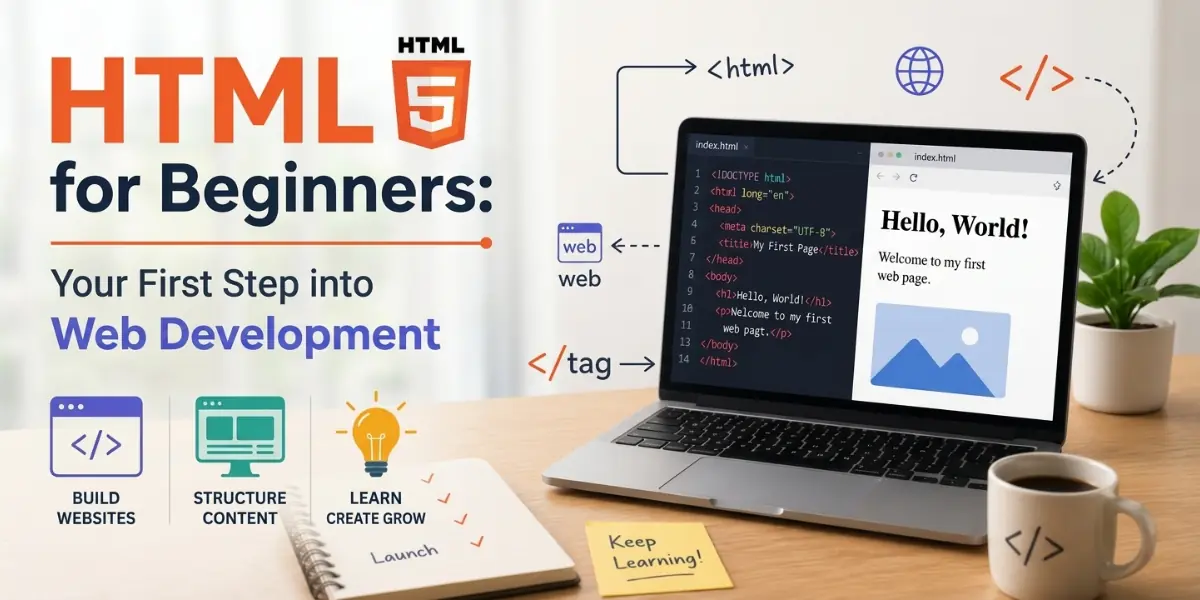
What is HTML, and how does it work for beginners?
HTML, or HyperText Markup Language, is the fundamental “skeleton” of the internet that defines the structure and content of every webpage. It works through a simple system of tags, which are labels enclosed in angle brackets that tell a web browser exactly how to display specific pieces of information. For example, a tag can signal the browser to render text as a bold heading, a bulleted list, or a clickable link.
While HTML provides the essential framework, it works alongside CSS for design and JavaScript for interactivity. Because its syntax is logical and mirrors plain English, it is the most accessible entry point for beginners, allowing anyone to build a functional webpage in just a matter of hours.
HTML Made Simple: Your Gateway to Web Development
Ever visited a site and felt curious about the technology behind its pages? Each time you browse websites like Google, YouTube, or eCommerce platforms, your browser silently receives a hidden file.
That file is written in a language called HTML. Your browser reads it and turns it into the page you see—text, images, links, and all.
A student or beginner entering web development will be happy to know that HTML is the easiest coding language to learn. The majority of people learn the fundamentals in a matter of hours.
And once you know HTML, finding the right web design and coding courses becomes much more straightforward. If you are looking for a comprehensive website design course, starting with the basics of HTML is the best first step.
Let’s start from the very beginning—no experience needed.
1. What Is HTML and Why Should You Care?
If you’re a beginner looking at this for the first time, here’s the simplest explanation. HTML stands for HyperText Markup Language. It is the core requirement for any website design course. Let’s break that down in plain English:
| Word | What It Means |
|---|---|
| HyperText | Text that links to other text. Every time you click a blue link and jump to another page, that’s hypertext in action. |
| Markup | These elements are formatting instructions or tags embedded within a digital file that guide a browser on how to visually render content, such as defining headers or emphasizing text. |
| Language | A set of rules that everyone follows so browsers understand the code the same way. |
Any student starting their journey to learn HTML website development will find this encouraging: HTML is the foundation of every website you’ve ever visited. Without it, there’s no structure, no text, no links — just a blank screen.
2. The Three Superpowers of the Web: HTML, CSS, and JavaScript
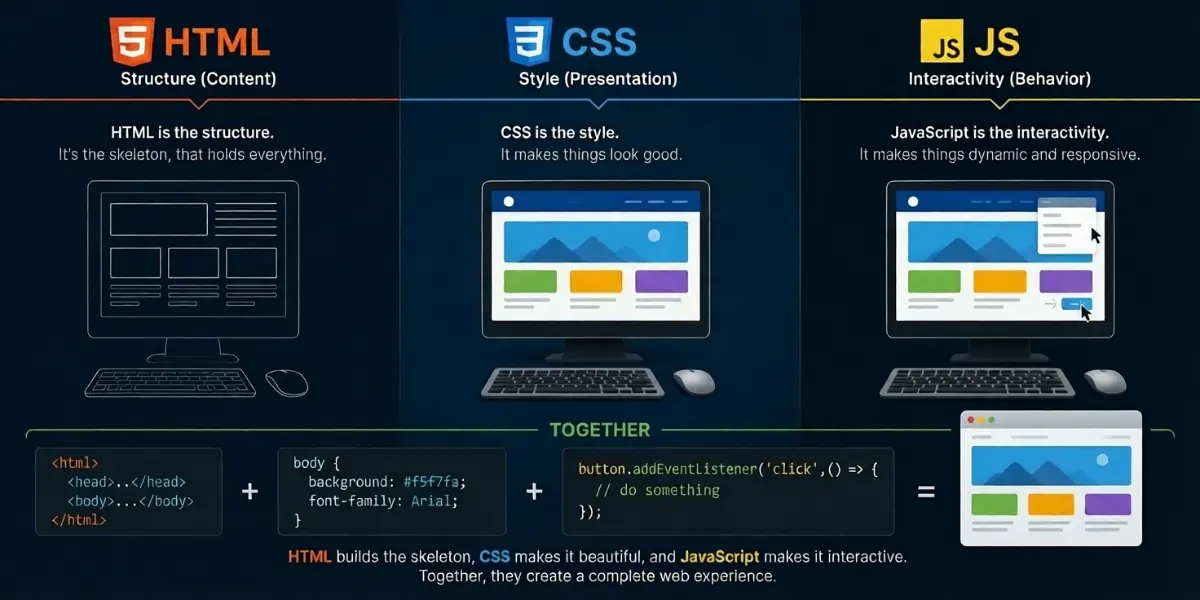
For a beginner who has seen these three names together but wasn’t sure how they fit, here’s the simple breakdown. This knowledge is vital for web design for beginners because these languages work as a team.
| Language | Job Description | Analogy |
|---|---|---|
| HTML | Structure and content — all the text, links, images, and tables | The frame of a house |
| CSS | Design and style — colors, fonts, spacing, and layout | The paint, wallpaper, and furniture |
| JavaScript | Interactivity — things that move, change, or respond to clicks | The electricity and plumbing |
A student trying to remember the difference can think of it this way: HTML builds the bones, CSS makes it beautiful, and JavaScript makes it alive. This structural understanding is the foundation of every professional website design course.
Turning off a site’s styling and scripts still leaves the core content visible, including all written text, hyperlinks, and media files. It won’t look pretty, but everything important is still there. That’s because HTML is the foundation. Without HTML, there’s no website.
Learn How Websites Actually Work
Confused about HTML, CSS, and JavaScript? These three core technologies power the structure, design, and interactivity of every website on the internet.
Turn Beginner Knowledge Into Real Web Skills!
3. HTML Tags, Elements, and Attributes — The Building Blocks
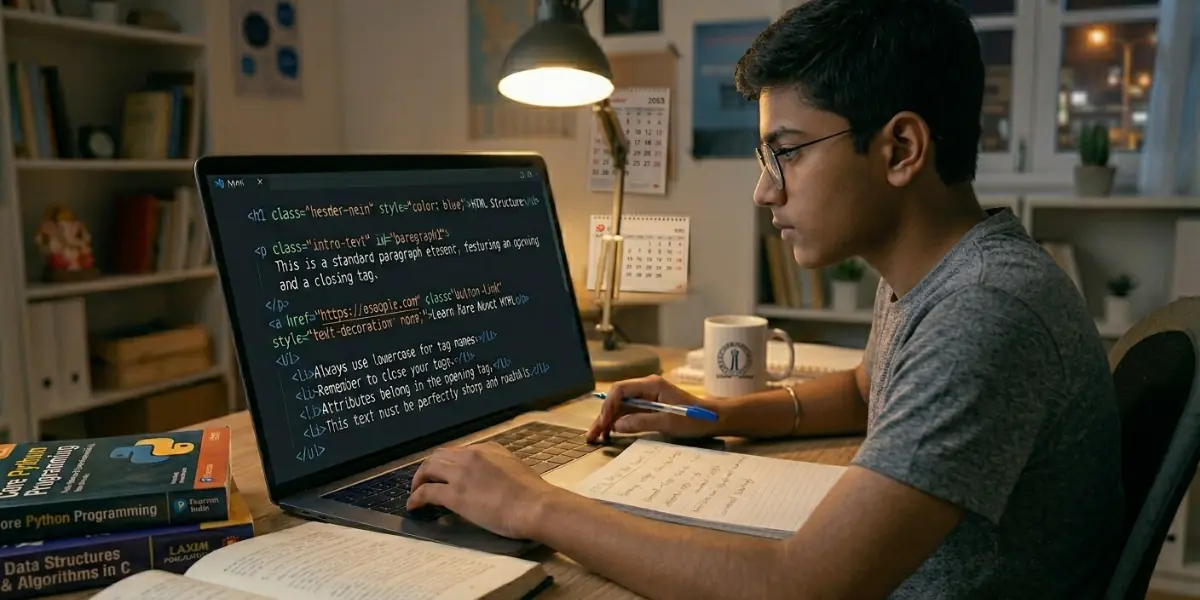
When a beginner first looks at HTML code, the angle brackets < > might look strange. Don’t worry — they’re easier than they seem. Anything inside these brackets is called a tag.
Tags are the commands that tell the browser what to do. Most tags come in pairs. The first tag informs the browser that “a paragraph starts here.” The browser is informed “the paragraph ends here” by the closing tag. The main distinction between opening and closing tags is the slash /.
An element is the opening tag, the closing tag, and everything in between. For example: <p>This whole thing is an element. </p>
Attributes provide extra information about an element. These appear in the opening tag and work as name/value pairs. For example: <a href=”https://google.com”>Click here to visit Google</a>. Here, href is the attribute name, and the web address is the value.
Three rules every beginner should remember: Always use angle brackets — square brackets won’t work. Always close your tags — forgetting a closing tag can break your page. Use lowercase for tag names — it’s the standard practice.
Mastering these syntax rules is the first goal of HTML practice for beginners.
4. Step-by-Step: Build Your First Webpage
For a student ready to write their first line of code, this section is for you. You don’t need any special software—just a text editor (Notepad on Windows or TextEdit on Mac) and a web browser.
Step 1: Create Your HTML Document. Access your text editor and open a fresh, empty document to begin your work. Save it as MyFirstPage. html. The .html extension tells your computer this is a webpage.
This is one of the first lessons in learn html website development tutorials for beginners.
Step 2: Add the Basic Structure. Any beginner should know that every HTML page follows the same basic skeleton. Type this exactly:
html
<!DOCTYPE html>
<html>
<head>
<title>My First Webpage</title>
</head>
<body>
<h1>Welcome to My Website</h1>
<p>This is my very first webpage. I’m learning HTML!</p>
</body>
</html>
Step 3: Preview Your Page. Save the file. Then right-click the file and open it with your web browser. You should see your heading and paragraph displayed. Check your browser tab; it should now read “My First Webpage.”
Step 4: Add More Content. Update your <body> section to look like this:
html
<body>
<h1>Welcome to My Website</h1>
<p>This is my very first webpage. I’m learning HTML!</p>
<h2>Things I’m Learning</h2>
<ul>
<li>HTML tags and elements</li>
<li>How to create headings and paragraphs</li>
<li>Adding links and images</li>
</ul>
<h2>My Favorite Website</h2>
<p>Visit <a href=”https://www.google.com” target=”_blank”>Google</a> to search anything. </p>
<h2>A Cool Image</h2>
<img src=”https://picsum.photos/300/200″ alt=”Random beautiful photo”>
</body>
What you’ve just added: <h2> for secondary headings, <ul> for bullet point lists, <li> for each list item, <a> for hyperlinks to open links in new tabs (target=”_blank”), and <img> to display images. Save the file and refresh your browser. You now have a complete webpage.
This hands-on method is widely used in web design and coding courses to teach practical HTML skills.
5. Where to Go from Here
Congratulations to a beginner who has just finished their first HTML page. You’ve made your initial steps towards web development. Completing projects like this is a great way to learn html website development through real practice instead of theory alone.
Practice every day. Build a simple page about yourself, your hobby, or your favorite movie. The more you type code yourself — not copy-paste — the faster it sticks.
Learn CSS next. Once you’re comfortable with HTML, CSS will teach you how to change colors, fonts, and layouts, and make your pages look professional.
Then learn JavaScript. JavaScript brings your pages to life with sliders, popups, forms, and interactive elements.
Keep this reference handy:
| You Want To… | Use This Tag |
|---|---|
| Make text bold | <b> or <strong> |
| Make text italic | <i> or <em> |
| Create a new line | <br> |
| Add a horizontal line | <hr> |
| Create a numbered list | <ol> with <li> inside |
| Add a comment (not visible) | <!– comment –> |
Success Is Within Your Reach
Every professional web developer started exactly where you are now — writing their first line of HTML. Keep going. Build things. Break things. Fix things. That’s how every expert learns. You’ve already taken the most important step—you started. And that’s something to be proud of.
Students who complete consistent HTML practice for beginners exercises often gain confidence much faster and move smoothly into advanced web development topics.
Turn Beginner Knowledge Into Real Web Skills
Learning web development may feel challenging at first, but every project you build brings you closer to becoming a confident developer.
Keep Learning. Keep Building. Keep Growing.
FAQs
HTML (HyperText Markup Language) is the standard code used to structure web pages. It organizes content like text, links, and images using specific tags.
Technically, no. It is a markup language. Unlike programming languages, it doesn’t handle logic or calculations; it simply defines the layout and structure of data.
Most students learn the basics in one to two weeks. However, mastering advanced layouts and accessibility standards through a website design course usually takes one month of practice.
Visual Studio Code is the top choice. Students also use online sandboxes like CodePen, which provide an interactive environment for immediate HTML practice for beginners.
Yes. A modern website design course teaches you to use the viewport meta tag and CSS media queries so your layout adjusts to different screen sizes.
Yes, HTML5 is the latest version. It includes modern features like native audio/video support and improved semantic elements that older versions lacked.
While HTML is the foundation, most roles require CSS and JavaScript as well. HTML alone is rarely enough for a professional “web developer” position.
Search engines prioritize title tags and header tags. Using semantic HTML like <article>, this <main> also helps your content rank significantly higher.